

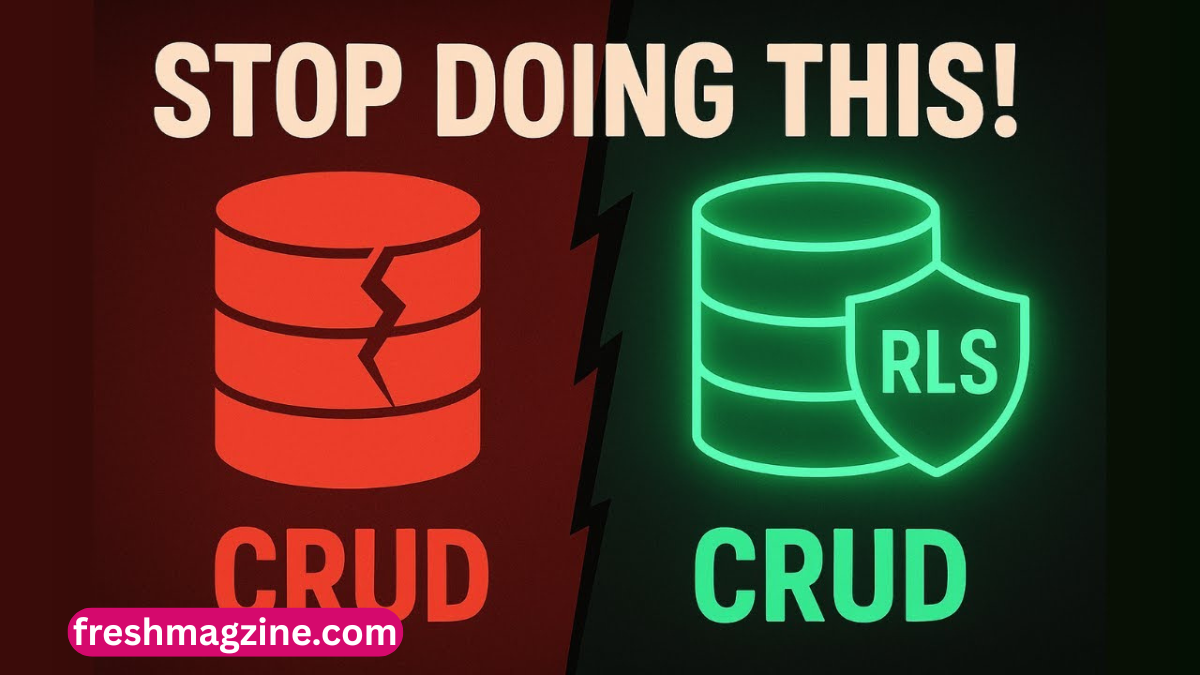
Modern web applications are built around data—user profiles, payments, messages, and private content. As applications scale, controlling who can access what data becomes one of the most critical challenges in backend development. This is where Row Level Security (RLS) becomes essential. Instead of relying only on application logic, Supabase rls enforces security directly at the database level.
Row Level Security allows developers to define rules that determine which rows a user can see or modify inside a table. This means two users querying the same table can receive completely different results depending on their permissions. It significantly reduces the risk of accidental data leaks and unauthorized access.
In the ecosystem of modern backend tools, Supabase has made Supabase rls a core feature of its PostgreSQL-powered infrastructure. By integrating authentication and database security tightly, Supabase enables developers to build secure applications without writing complex backend servers.
Understanding Row Level Security (Supabase rls) in PostgreSQL
Row Level Security is a database-level access control mechanism that filters rows in a table based on defined conditions. Unlike traditional permission systems that control access to entire tables, Supabase rls operates at a much more granular level.
In PostgreSQL, when Supabase rls is enabled on a table, every query is automatically filtered through security policies. These policies act like rules that decide whether a row should be visible, editable, or completely restricted for a given user. For example, a user accessing a “messages” table might only see messages where their user ID matches the recipient field.
This approach ensures that even if someone bypasses the application layer, the database still enforces security rules. It is especially useful in multi-user systems where data separation is crucial.
RLS supports different types of operations such as SELECT, INSERT, UPDATE, and DELETE. Each operation can have its own set of rules. This makes it flexible enough to support everything from simple personal applications to complex enterprise systems.
How Supabase Implements Supabase rls
Supabase builds on PostgreSQL’s native Supabase rls system and integrates it directly into its backend-as-a-service model. When developers create a project in Supabase, they are working directly with a PostgreSQL database that has API access automatically generated.
What makes Supabase powerful is how it connects authentication with database security. Every request made through Supabase includes a JSON Web Token (JWT), which contains user identity information. This token is used inside Supabase rls policies to determine what data the user can access.
For example, Supabase allows developers to use the auth.uid() function inside SQL policies. This function returns the currently authenticated user’s ID, which can then be compared against table columns to enforce access control.
Another important aspect is that Supabase automatically enforces RLS at the API layer. This means even REST and GraphQL-style requests are filtered through database policies before any data is returned. Developers are required to explicitly define access rules, ensuring secure-by-default architecture.
Setting Up RLS in Supabase Step-by-Step
Enabling Row Level Security in Supabase is straightforward, but it requires careful planning. The first step is enabling RLS on a table. Once enabled, the table becomes locked down, and no data is accessible until policies are defined.
After enabling RLS, developers create policies that define access rules. For example, a simple SELECT policy might allow users to view only their own records. This is typically done using the auth.uid() function to match user IDs.
Policies can be created for different operations. INSERT policies control what data a user can add, UPDATE policies define what can be modified, and DELETE policies determine what can be removed. Each of these can have independent rules.
Testing policies is an important step. Supabase provides a SQL editor where developers can simulate queries as different users. This helps ensure that rules are working correctly before deploying the application.
A common mistake is enabling Supabase rls without creating any policies, which results in no data being returned. This often confuses beginners, but it is actually a security feature ensuring that nothing is exposed by default.
Core RLS Policy Examples
One of the most common Supabase rls patterns is user-owned data access. In this model, each row contains a user ID, and the policy ensures that users can only access rows where their ID matches.
Another important pattern is public read-only access. This is useful for blogs or public listings where anyone can view data, but only authorized users can modify it.
Multi-tenant systems are another powerful use case. In these systems, data is separated by organization ID rather than individual users. RLS ensures that users only see data belonging to their organization.
More advanced policies can combine multiple conditions. For example, a row might be accessible only if the user is part of a team and has an “admin” role. These conditions are written using logical operators like AND and OR inside SQL policy definitions.
These examples show how flexible RLS can be. It allows developers to design security rules that closely match real-world business logic without needing complex backend code.
Supabase Auth and RLS Integration
Authentication and RLS work closely together inside Supabase. When a user logs in, Supabase generates a JWT token that includes user identity and metadata. This token is automatically attached to every request.
Inside RLS policies, developers can access this identity using functions like auth.uid(). This allows database queries to dynamically adapt based on the logged-in user.
Supabase also supports different roles such as anonymous users, authenticated users, and service roles. Each role can have separate access rules defined in RLS policies. The service role is particularly powerful because it bypasses RLS entirely and is typically used only on secure backend servers.
Custom claims can also be added to JWT tokens, allowing developers to implement role-based access control. For example, a user might have an “admin” flag that grants additional permissions inside RLS policies.
This tight integration between authentication and database security is one of the key reasons Supabase is popular among developers building modern SaaS applications.
Best Practices for Supabase RLS
When working with RLS, following best practices is essential for maintaining both security and performance. The first rule is to always enable RLS by default and explicitly define policies. Never rely on open access unless absolutely necessary Supabase rls.
It is also important to follow the principle of least privilege. Users should only have access to the data they need, and nothing more. Overly permissive policies can lead to serious data leaks.
Another best practice is to regularly audit policies. As applications evolve, old rules may become outdated or too permissive. Reviewing them ensures continued security Supabase rls.
Testing is also critical. Using test accounts to simulate different roles helps identify potential security gaps before deployment. Developers should also combine RLS with backend validation logic for maximum protection Supabase rls.
Finally, performance should not be ignored. Complex RLS policies can slow down queries, especially when filtering large datasets. Proper indexing and simplified policy logic can help maintain speed Supabase rls.
Conclusion
Row Level Security is one of the most powerful features in modern database systems, and it becomes even more impactful when combined with a platform like Supabase. By enforcing security directly at the database level, developers can build applications that are both scalable and secure.
Instead of relying on complex backend logic, RLS allows security rules to live alongside the data itself. This reduces errors, improves maintainability, and ensures consistent enforcement across all access points.
For developers building SaaS platforms, marketplaces, or any multi-user system, mastering RLS is not optional—it is essential.
You read: Mrbeast deal